 ClayTrace
Record cone and temperature as separate facts
Pyrometric cones measure heat work (both temperature and time) rather than peak temperature alone. A slow ramp reaches a cone at a lower thermometer reading than a fast ramp.
Write down the target cone, what the witness cones actually bent to on top, middle, and bottom shelves, and the controller or pyrometer peak reading as separate entries instead of guessing one from the other.
| Field | What to log |
|---|---|
| Purpose and method | Bisque, glaze, luster, or third fire; electric, gas, wood, or soda/salt |
| Cone and witness cones | Target cone plus actual witness cone bend by shelf zone |
| Peak temperature and source | Controller reading or pyrometer reading recorded as observed |
| Schedule and hold | Ramp speed, peak hold minutes, or controlled slow-cool segment |
| Atmosphere and additions | Oxidation or reduction, plus soda, salt, or custom additions |
| Load and shelf notes | Tight vs. loose load, element age, or hot/cool shelf spots |
Link the firing back to the pieces inside it
A kiln notebook on the wall helps maintain the kiln, but potters usually search from the opposite direction: holding a finished bowl and asking which firing made the rim break brown.
Record the firing date or firing ID on each piece’s stage timeline so you can trace every glaze result back to the exact firing conditions.
Track community-studio firings even with partial details
If you fire at a community studio, you may only know the studio’s target bisque and glaze cones plus the date your piece went onto the shelf. Log what you know and note when a detail is a studio target rather than your own kiln controller readout.
Sources and further reading
Log firings right on every piece in ClayTrace
ClayTrace separates firing purpose, method, cone, pyrometer temperature, temperature source, duration, hold, atmosphere, and additions such as soda or salt, all included free. Studio Pro adds Bulk Edit so you can apply one kiln firing record across every piece from the same load in seconds.
Free pottery journal · iPhone and Android · No account
See how ClayTrace works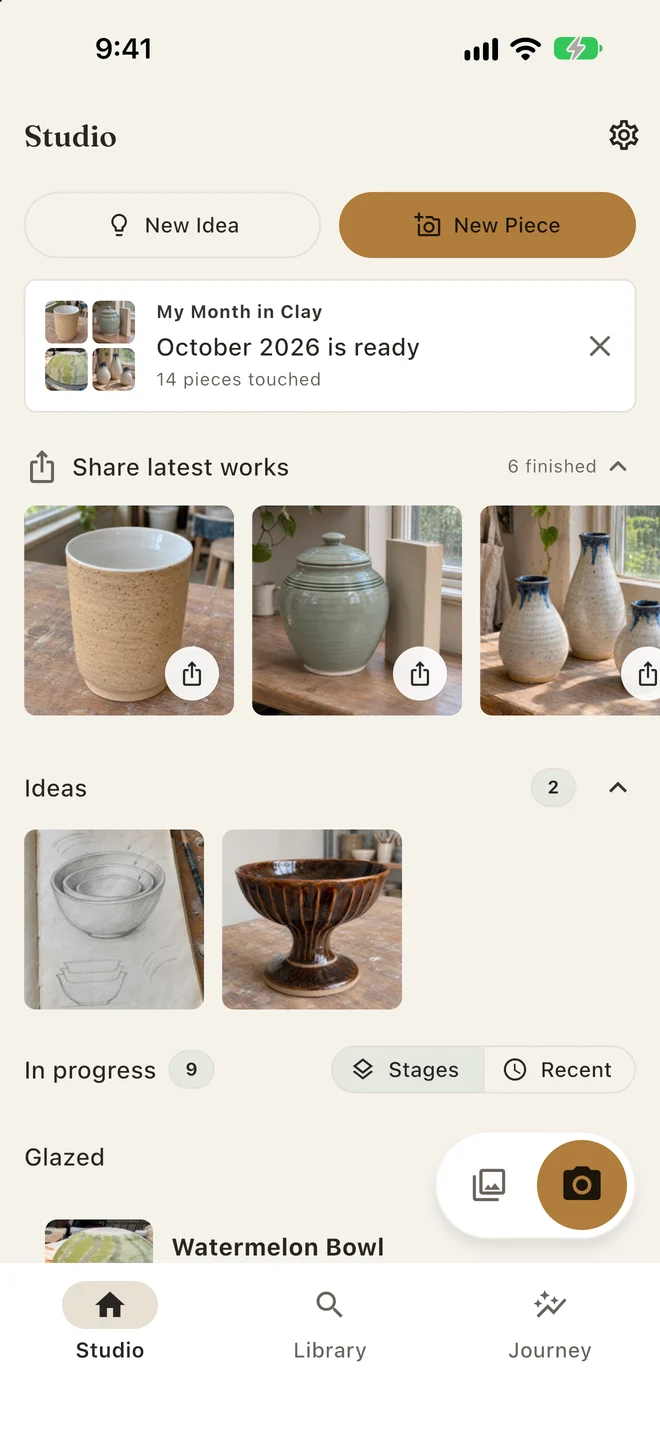
Questions
Should I convert a cone number into a single temperature in my log?
No. Because cones measure heat work over time, the temperature that bends a given cone changes with heating rate. Record the cone and any observed controller temperature separately.
How can I log one firing across ten pieces without retyping it?
In ClayTrace, Studio Pro includes Bulk Edit so you can update firing details across multiple pieces from the same kiln load at once.